Your users’ favorite AI, inside the app they love

The models your users already trust, with your app’s context built in

Knows your app

Answers come from each user’s real data in your app, so they get more out of it. It reads only what a question needs, when they ask. Boop doesn’t store your app’s data.

Acts with a tap

It can change things in your app, like filling a cart or loading a workout. Nothing changes until the user taps Confirm.

Remembers each user

Memory is kept separately for each app. Users can see everything it remembers and delete any of it anytime. Only the question and the app data needed to answer it go to the model.

Keeps users in your app

One swipe opens an assistant that knows your app and each user’s history in it. No switching to a chatbot. No re-explaining.

Works for every user

Claude or GPT included for every user, no AI subscription needed. Tools and memory carry over when they switch.

Model

Your memory and this conversation carry over when you switch.

Try it live

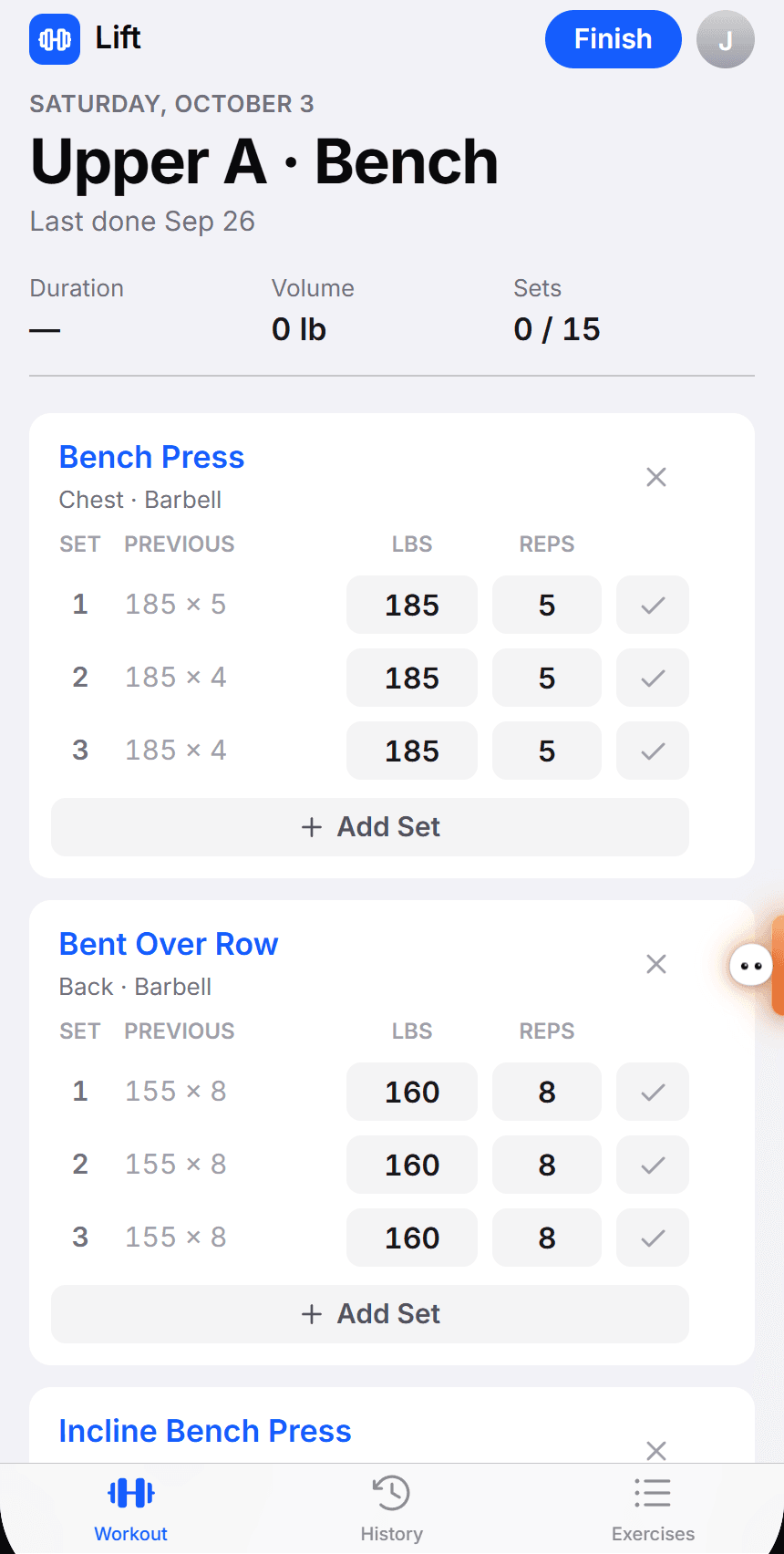
Two sample apps with made-up data, running the same Boop script.

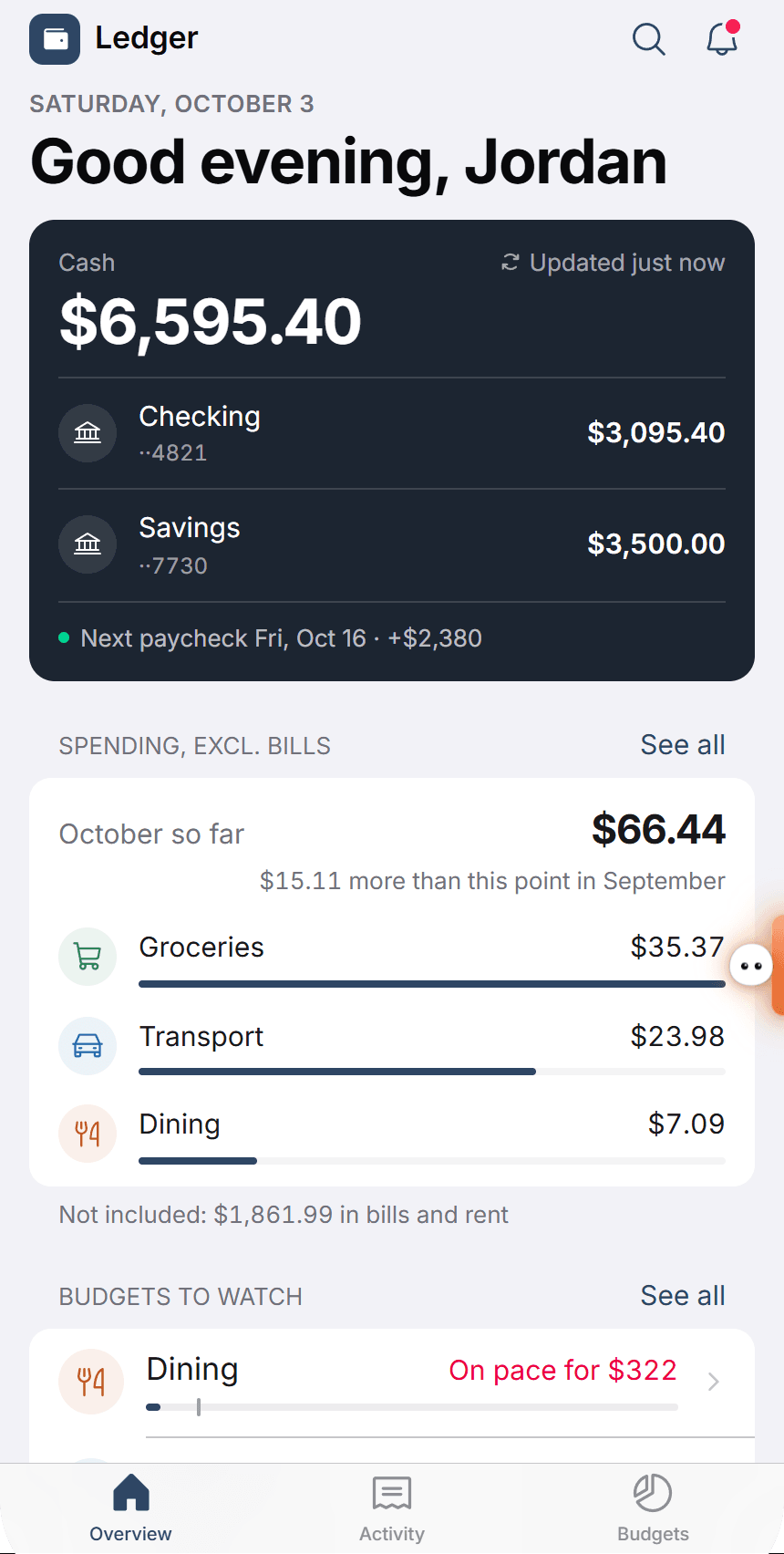
Ledger is a budgeting app. Try “When will I hit my emergency fund goal?” or “Set my dining budget to $300”

9:41
Ledger, a demo app with Boop installed

Tap the tab on the right edge to open the assistant.

Set up with one script tag

We’ll help with the rest.

Tools run in your app.

index.html
<script src="/rail.js"></script>
<script>
  Rail.init({
    appId: "your-app",
    appName: "Your App",
    user: { id: user.id, name: user.name },
    getContext: () => ({ screen: currentScreen }),
    tools: [
      {
        name: "getWorkoutHistory",
        description: "Returns the user's logged workouts, newest first.",
        inputSchema: {
          type: "object",
          properties: { weeks: { type: "number" } },
        },
        run: ({ weeks }) => workouts.recent(weeks),
      },
      {
        name: "loadWorkout",
        description: "Loads a planned session into today's workout.",
        inputSchema: {
          type: "object",
          properties: { exercises: { type: "array" } },
          required: ["exercises"],
        },
        requiresConfirmation: true,
        run: ({ exercises }) => today.load(exercises),
      },
    ],
  });
</script>